Clean The Backrooms update status
Clean The Backrooms is still receiving Roblox releases: the Roblox record shows an Updated date of November 27, 2026. That is a useful signal to recheck the game, not proof of a particular patch. The available public record does not provide a complete official version log, stable version number, rollout schedule, or confirmed list of newly added features.
For that reason, treat the current update state as active but partly unconfirmed. A publish may contain a visible map addition, a balance adjustment, or a bug fix without a detailed public announcement. Check the Roblox experience page first, then compare any Playroom Studio announcement with what you can actually see in a fresh server. Do not treat the page's update timestamp as a changelog.
Confirmed update signals and changes
The strongest confirmed signal is the Roblox Updated field. The game description also continues to frame the core loop around cleaning the Backrooms, earning money, buying and upgrading equipment, unlocking rooms, and surviving when the lights go out. Those facts explain which systems deserve a post-update check, but they do not establish that each system changed in the latest publish.
| Change or signal | What is supported | Effective date | Player action |
|---|---|---|---|
| Roblox release signal | The public Roblox record lists the experience as updated | November 27, 2026 in the public record | Re-enter the game and run the short checks below |
| Rooms and routes | Recent update research points to rooms, map routes, and a ventilation area as areas that may differ; no formal version number is supplied | Not confirmed | Recheck entrances, passages, key locations, and the exit route |
| Cleaning economy | Ball-pit routes, cleaning speed, and earnings may be affected by an unannounced balance change | Not confirmed | Compare a familiar cleanup run, backpack capacity, and shop prices |
| Upgrade Shop | Vacuum, Backpack, Speed, and money-bonus upgrades are identified as high-value checks | Not confirmed | Inspect available items, prices, levels, and tool behavior |
| Keys and doors | Door requirements and the relationship between Keys, Rooms, Ball Pits, and Exit should not be assumed from an old route | Not confirmed | Test a known locked door and record its current requirement |
The table separates a release signal from changes that still need confirmation. It is not an official patch-note list. In particular, the public record does not establish a new reward, a compensation grant, a precise map name, or a dated change for any row marked “Not confirmed.”
What players should recheck after publishing
Start with the systems that can invalidate an established route. Open the Upgrade Shop before committing money: compare the displayed prices and levels for Vacuum, Backpack, Speed, and any money bonus with your notes. Then perform a small, repeatable cleaning test in a familiar area. Record the ball-pit route, the amount earned, how quickly the tool clears the area, and whether carrying capacity changes the number of trips.
Next, inspect progression. Check a known key location, approach a door that previously had a clear requirement, and verify whether the same key count or interaction prompt appears. Walk the route between Rooms, Ball Pits, and the Exit instead of relying on memory. A new room or ventilation connection can change the safest order even when the cleaning objective itself looks unchanged.
Finally, test survival behavior in a controlled stretch. When the lights go out, note the warning, the duration of darkness, the hunter’s behavior, and the closest retreat toward a Safe Room or agreed meeting point. Do not deliberately risk a full run just to test an uncertain change: a short observation is enough to flag a route for later confirmation.
Reported observations from recent research
Video subtitles and update research report a new map, new rooms, a ventilation area, robot assistance, tryhard or higher-difficulty play, and lights-out survival pressure. These are useful leads for an update check, not confirmed patch notes. The public record does not provide a stable version identifier, an official release date for each observation, or a complete rules table for the difficulty variant.
Review reported map and difficulty changes
These moments support the reported update leads about a new map, a ventilation route, a new room, and Tryhard difficulty while keeping them separate from confirmed patch notes.
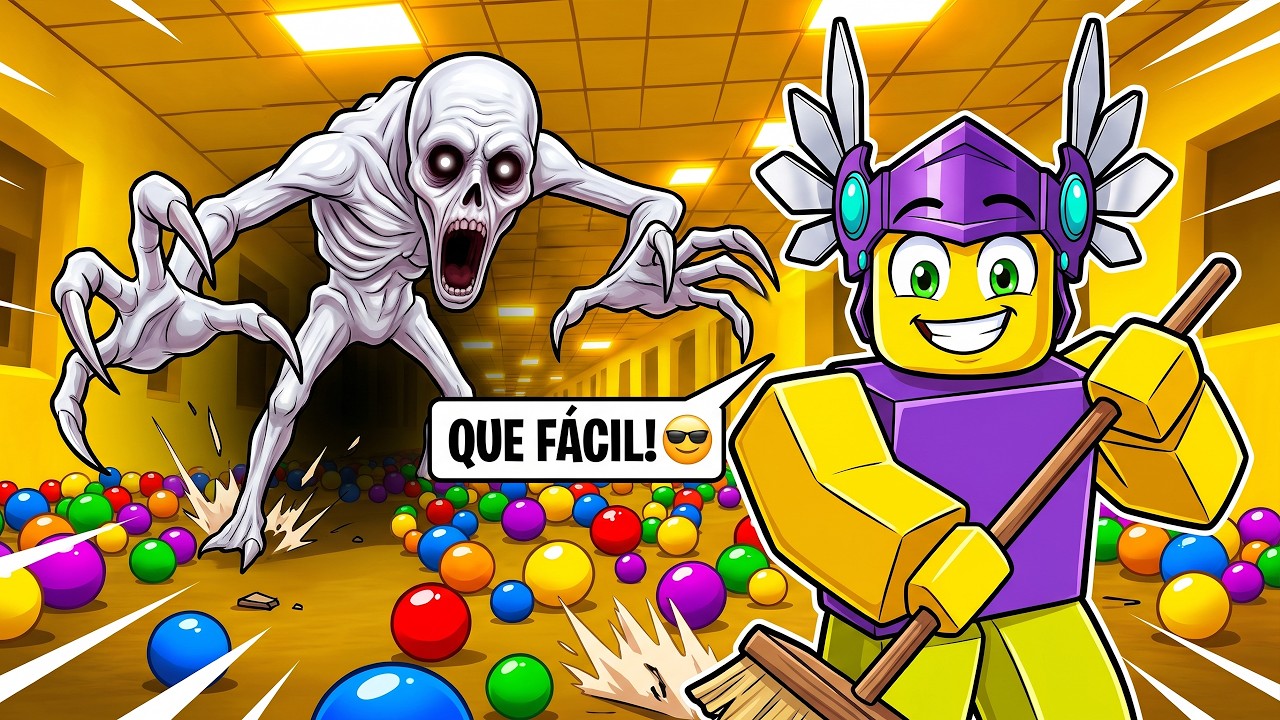
The same distinction applies to economic and enemy behavior. A player may notice different earnings, shop inventory, tool strength, anomaly timing, darkness duration, or hunter movement after joining a new server. That observation can be genuine while its cause remains unknown: it could be a balance edit, a bug fix, an instance difference, or a mistaken comparison with an older route. Record what changed and where, but label it as observed until an official announcement or repeatable in-game check supports it.
Updates also should not be confused with promo codes. The supplied November 2026 record has no confirmed active public code; check the current codes page before testing a claimed reward. A video mentioning an update, a new map, or a reward is not by itself a redeemable code or proof that a code was issued.
Unknown details and the next reliable check
The current evidence leaves several details unresolved: there is no complete official changelog, no confirmed version number, no dependable schedule for the next release, and no verified list of rewards or compensation. The exact rules for tryhard mode, the final requirements for every door, and the timing or behavior of every anomaly also remain incomplete. Avoid filling those gaps with estimates.
Use this order for the next check:
- Read the Roblox experience page and note its current
Updateddate. - Look for a Playroom Studio announcement or group update that names a feature, fix, or balance change.
- Join a fresh server and compare the shop, a familiar cleanup test, a key door, the room route, and a short lights-out observation.
- If a system is missing, stuck, or inconsistent, leave and rejoin once, then compare the same interaction in another instance with another player.
- Update your route notes only when the behavior is repeatable or clearly stated by the developer.
This process keeps the Updates guide useful without presenting an observed difference as an official promise. Recheck the Codes page and the in-game redemption entry separately if a new code is claimed.
Clean The Backrooms Updates FAQ
Does the Roblox Updated date prove that a specific feature changed?
No. It confirms that Roblox records a recent release, but it does not identify the map, balance, bug fix, or system affected. Use it as a trigger to check the shop, routes, doors, earnings, and lights-out behavior.
What should I test first after an update?
Check Upgrade Shop prices and levels, then run a short familiar cleanup route. After that, verify one key door, the path between rooms and the exit, and a brief lights-out retreat. These checks can reveal route or progression changes without risking a full run.
Are the reported new rooms and ventilation area official patch notes?
Not from the public record. They are reported observations and useful leads, but no stable version number or complete developer changelog is available. Confirm them in-game and look for a Playroom Studio announcement before treating them as official.
What if a shop item or interaction disappears after an update?
Leave and rejoin the server, then compare the same interaction in another instance with another player. If the issue remains, record the exact item, door, or prompt and treat it as an unresolved change rather than assuming a new permanent rule.
Did the update add a working promo code?
No active public code is confirmed in the November 2026 record. Check the Codes page and the game’s redemption entry separately; an update mention or player report is not enough to establish a redeemable code.
SourcesReviewed November 28, 2026
https://www.roblox.com/games/130027983564740/Clean-The-Backrooms